
Google Display & Video 360: Troubleshooting#
There are empty fields in the date column in the data I have collected from Google Display & Video 360#
When you fetch data from Google Display & Video 360, if there are empty fields in the date column, automatically creates a “no_date” extract for the empty dates. A warning is displayed in the normal extract explaining this.
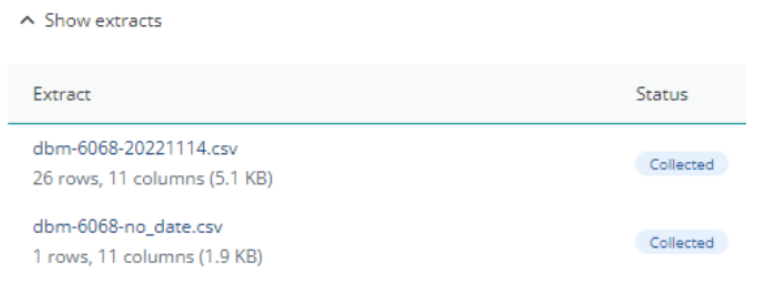
This example shows the normal extract (with the date in the extract title) and the “no_date” extract below
Reach values are empty for some rows#
Google Display & Video 360 does not calculate reach for a row when the row does not meet its data requirements, either because the volume of impressions is too low or because reporting it would not meet its privacy requirements. It returns a dash for these rows, which Adverity collects as an empty value.
An empty reach value therefore means that reach could not be calculated for that row. It does not mean that the reach was zero, and these rows must not be treated as zeros when you aggregate the data.
Note
Reach is modeled rather than counted, so reach values cannot be added together. The reach of several line items does not add up to the reach of the campaign that contains them, because the same person can be reached by more than one of them.